A weekly planner that shows the whole week before it ambushes you.
Living one day at a time is great for calm and terrible for deadlines. This weekly planner zooms out to all seven days at once — so you spot the crunch, move things around, and walk into the week already on top of it.
Sage — soft greens and cream. Reads soft and unhurried. Good for slow morning planning. One of six themes, all free.
The pain
Monday’s chaos was visible last Thursday. Nobody looked.
The week never actually ambushes you. The clashes, the deadline stack, the day with no room in it — all of it was sitting there in advance. But looking ahead takes a view built for it, and a list of everything is not that view.
“Every Monday arrived like it had never been mentioned.”
“I said yes on Tuesday to something that was already impossible.”
“I could describe two days of my week accurately. The rest was a guess.”
“The clash was always visible. I just never looked until the morning.”
What a weekly planner is for
A weekly planner shows the week at a glance: the fixed points, the deadlines, the day with no room left in it. A daily planner runs the day; a weekly planner is where the collisions show up while there is still time to move them.
The best weekly planner is the one that gets opened on Sunday night — which is why this one opens on the week you are about to have, not on a blank grid.
The answer
Your whole week at a glance
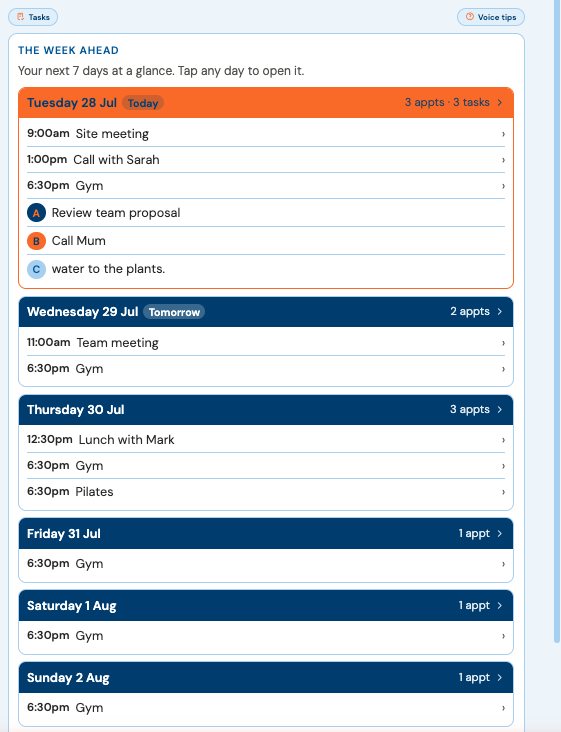
Week view lays the next seven days side by side — each day’s appointments in time order, then the tasks still open, each with its priority. Today is ringed. Tap any day and you’re planning it.
“Meeting with Sarah tomorrow at 10am”
On the schedule at ten, an hour long unless you say otherwise — and you can see what else that morning holds.
“Pilates every Thursday at 6:30pm”
A weekly series, booked once, on every Thursday from here.
Recurring appointments are unlimited on every plan, free included.
What the research found
Across 94 studies, deciding when and where you’ll act had a medium-to-large effect on whether people actually followed through.
Intending to do something is cheap. Deciding Tuesday at 2 is what makes it happen — and a week you can see is a week you can decide about.
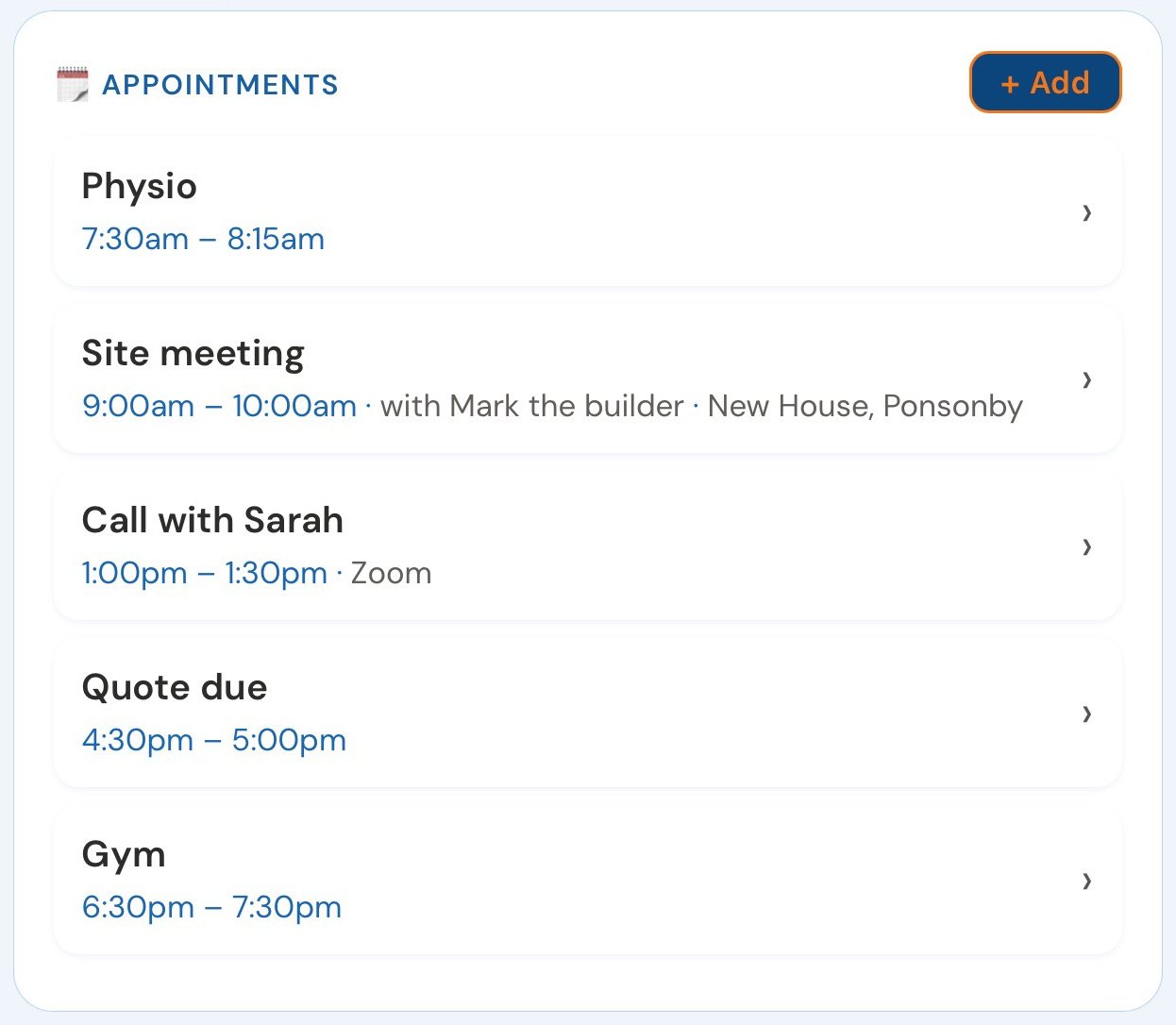
Tap any appointment anywhere and everything about it opens in one sheet — move it, rebook it with the same person, change one occurrence or the whole series. The week bends without anything being retyped.
Every Sunday night for thirty-five years I read the week ahead off two paper pages. The weeks that went well were never the easy ones — they were the ones I’d seen coming.
— Dave Rees, Founder. From boatbuilder, to business owner, to Founder.
Three more distances
Pull back as far as you need.
Day.Month.Year.
The week above is one of four distances. Day for doing, Month for noticing, Year for seeing a run of marked days from across the room.
All four are the same appointments and the same tasks, seen from further back — not four lists to keep up to date. Switch between them from the same place, and you never lose today.
Week Ahead › Month
The month opens on today, and the switch back is one tap.
Your calendar
Work’s meetings in, your appointments out — both on your terms, both on the free plan.
A planner that shows all seven days at once — the fixed appointments, the open tasks and their priorities — so the week can be planned before it starts.
Weekly planner or daily planner?
Both. The week to see what is coming, the day to get it done. In VoiceFirstPlanner they are the same appointments and tasks, seen from two distances.
Is there a weekly planner app I can talk to?
VoiceFirstPlanner’s week view lays out the next seven days side by side. Say an appointment with a time and it lands on its day.
Can I plan my week online?
Yes. It is a weekly planner online — it runs in any browser, on phone, iPad or desktop, with nothing to install.
Meet the week on your terms. You’ve already seen it.
Free account. No card, no clock. A free weekly planner to start, sitting beside your daily planner.