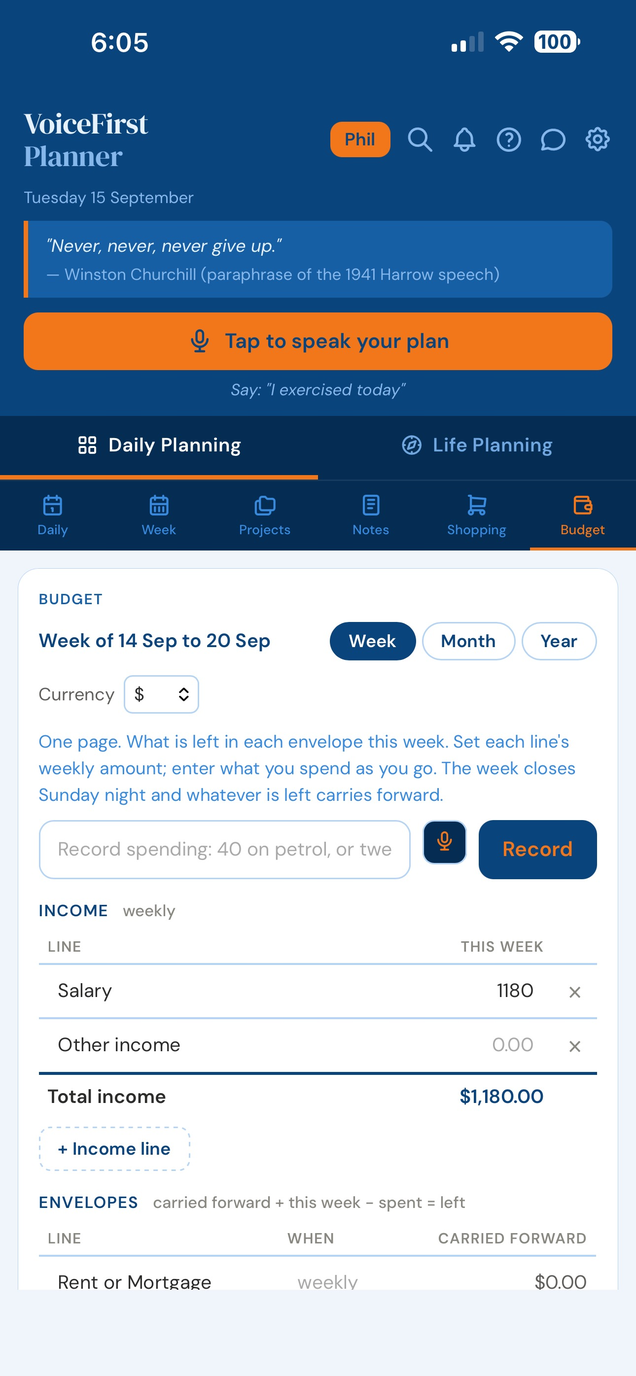
Most budgeting apps are a report of the damage. This budget planner is a page of envelopes: what each one gets this week, what has gone out, and what is still in it. Say the spend as it happens. The week closes on Sunday and whatever is left carries forward.
Every budgeting tool will tell you, at the end of the month, what you spent on food. That number arrives too late to do anything about, and it is not the number you wanted. On a Wednesday, standing in the shop, the only useful question is how much is left for food this week.
Envelope budgeting is a long-standing way to run money: split it into envelopes — food, petrol, rent, the saving-up lines — and spend each one only on what it is for. When an envelope is empty, that category is done until it refills.
A digital envelope budget does the same thing without the cash. Each line holds its weekly amount, and the number that matters is what is left.


Every line has what carried forward from last week, what it gets this week, what has gone out, and what is left. Left is the number you came for.
Nothing to configure, nothing to learn. Set the weekly amount once and the page does the rest.

Forty dollars on petrol. Twelve fifty to pet expenses. Groceries, a hundred and forty five fifty. Say it, or type it, from any page in the planner.
Nothing is written until you have seen it. A small sheet shows the line, the amount and the week, all three editable, with Add and Cancel. Money is the one place a mishearing costs something, so nothing lands on trust.
Whatever is left in an envelope on Sunday night becomes next week’s carried forward. Underspend on petrol and next week’s petrol is bigger. Overspend and you start the week behind, which is the truth and worth knowing on Monday rather than at the end of the month.
Miss a week, or three, and they close in order when you next open the page. Nothing is skipped and nothing is merged.
There is no summary to write and no question to answer. The lines have already told you what happened.
The weekly budget planner builds its own monthly picture as the weeks close.
Month is the weeks that have closed, summed. It answers the only question the week view cannot: what does this envelope actually cost me, week after week. That is how you find out your food number is wrong.
Year is twelve rows, one per closed month, appearing as each one closes, with a year-to-date line at the foot.
Both are read-only. There is no year to plan into, because the discipline of the whole thing is that this week is the only week you decide.
Rename any line, add one, remove the ones you do not use, set every amount, name your accounts. Thirty lines to start with, from rent to the two saving-up lines, every one of them yours to change.
What you cannot do is add columns, add views or nest categories inside categories. That is on purpose. The moment a page like this can be rebuilt, it becomes another spreadsheet, which is the thing you left behind.
The layout on this page is not our invention. It is a spreadsheet a financial controller — of a company turning over more than fifty million dollars a year — has run their own money on for over twenty years. Every serious financial system available at work, and this is what they use for themselves.
One page. Thirty envelopes. A balance that carries. It has never needed a dashboard.
Four steps, whether it is on paper or in the app:
In VoiceFirstPlanner, thirty lines are ready to rename, and the week closes on its own every Sunday.
The planner does not connect to your bank and never asks to. You enter what you spend, and the account balances at the foot of the page are numbers you type in yourself as a sanity check.
That is a smaller feature than a bank feed and a much bigger one than it sounds: there is nothing to authorise, nothing to re-authorise, and nothing of your banking anywhere.
Budget is on Premium and above. The free plan gives you three lines, one income line and one account, working exactly as they will on Premium, so you can see the thing move before you decide.
One you check before you spend, not after. A weekly budget that shows what is left beats a monthly report of what went.
Budget is on Premium and above. The free plan gives you three lines, one income line and one account, working exactly as they will on Premium.
No. It never connects to your bank and never asks to. You enter what you spend, and nothing of your banking is anywhere.
Splitting money into envelopes — food, petrol, rent — and spending each only on what it is for. VoiceFirstPlanner’s budget is a digital envelope budget: one page, by the week.
Free account. No card, no clock. The budget sits beside your daily planner.
Start freeEvery part of Daily Planning
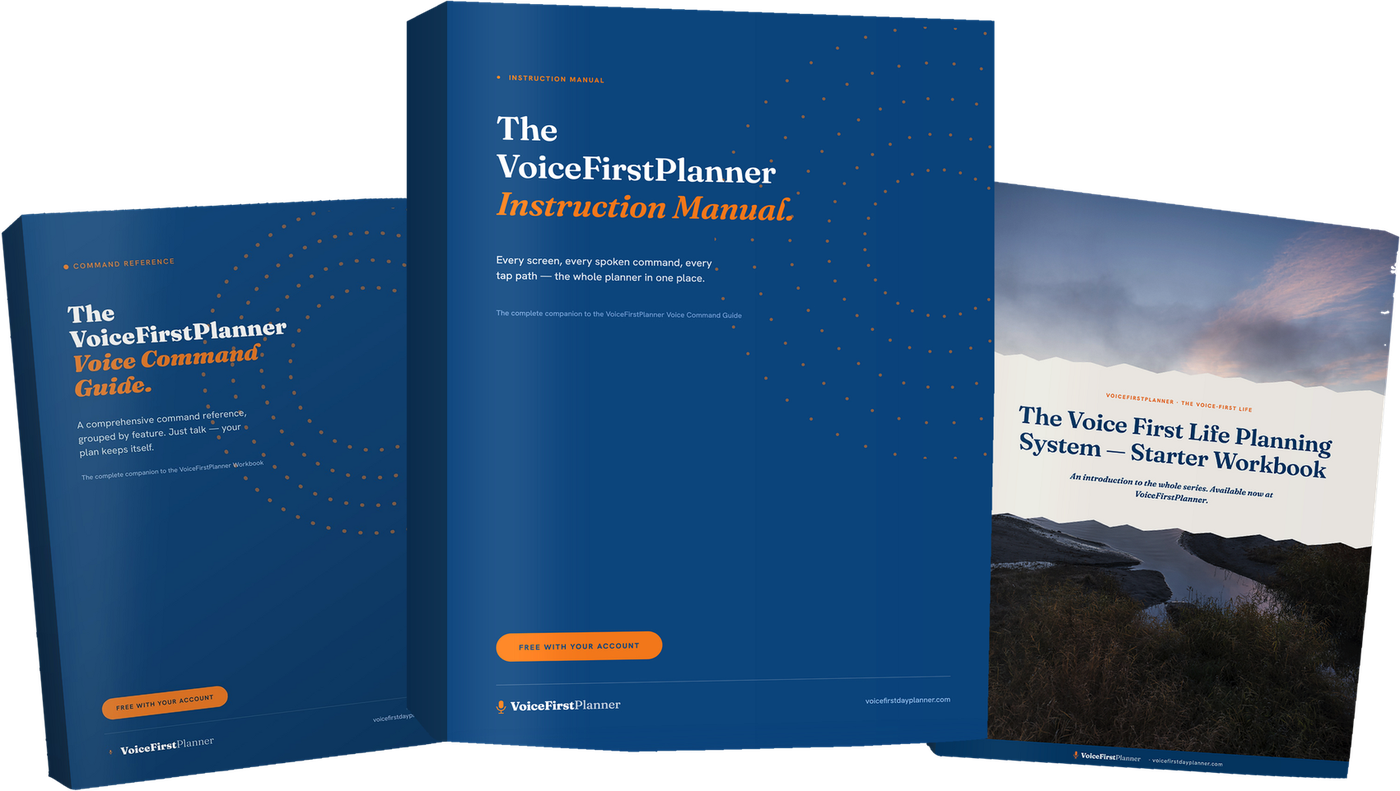
The VoiceFirstPlanner Instruction Manual, The VoiceFirstPlanner Voice Command Guide and The Voice First Life Planning System — Starter Workbook.
$19.98 for the Starter Workbook alone — all three free when you create your free account.