Most planning tools are built for the part of your life that already has a system. Work has a calendar. The business has software.
Everything else, the appointments, the promises, the thing you said you would do on Saturday, lives in your head and on whatever was nearest when you remembered it.
The founder of this planner ran his life from a paper planner for fifteen years. Then he got his first iPod with a screen, moved his contacts onto it because that was obviously better, and for the next twenty years nothing was in one place again.
This is what put it back.
See it happen
One sentence. Watch where it lands.
Ninety seconds. The real product, one real sentence, and nothing entered until it was approved.
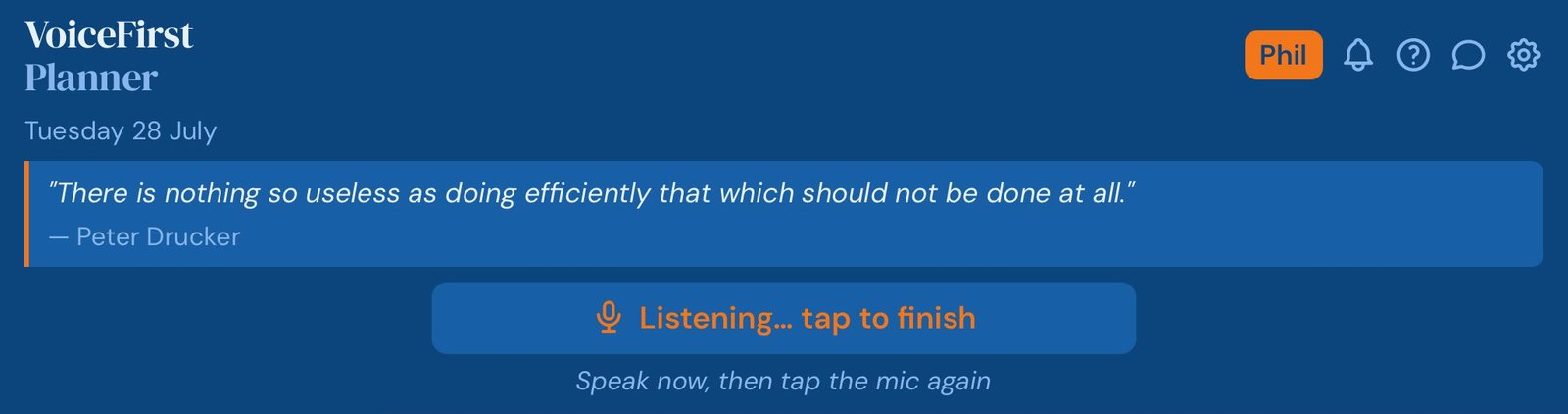
Not a text box you dictate into. Start with the word, add, note, goal, bucket list, and finish in your own words. The planner files it where it belongs, with the right date on it, and tells you what it did.
“Add review the proposal as an A priority”
It takes a few seconds, which matters, because the reason things never get written down is that writing them down takes longer than the thought lasts.
Voice first, not voice only. Every field takes typing as well, and on an iPad you can write with the pencil, so when talking is not convenient, or you want to change a word, you type it or write it. The mic and the keyboard do the same job.
Reason two
Two decisions run the day, not twenty
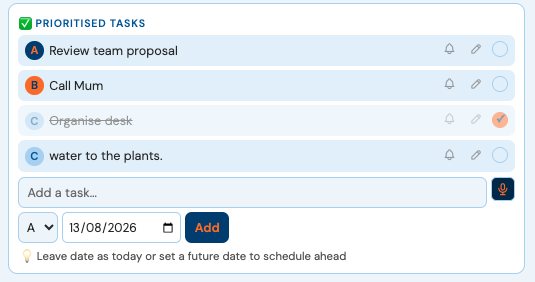
Every task is an A, a B or a C. That is the entire system. What has to happen today, what would be good, and what can wait. And when too many things get marked A, the planner tells you.
Reason three
The week you actually have, not the one you think you have
Ask most people what their week looks like and they can describe two days of it accurately. The Week Ahead shows all seven, tasks and appointments together, so the day that has quietly filled up is visible before you agree to anything else.
Reason four
Your work meetings and your own life in one view
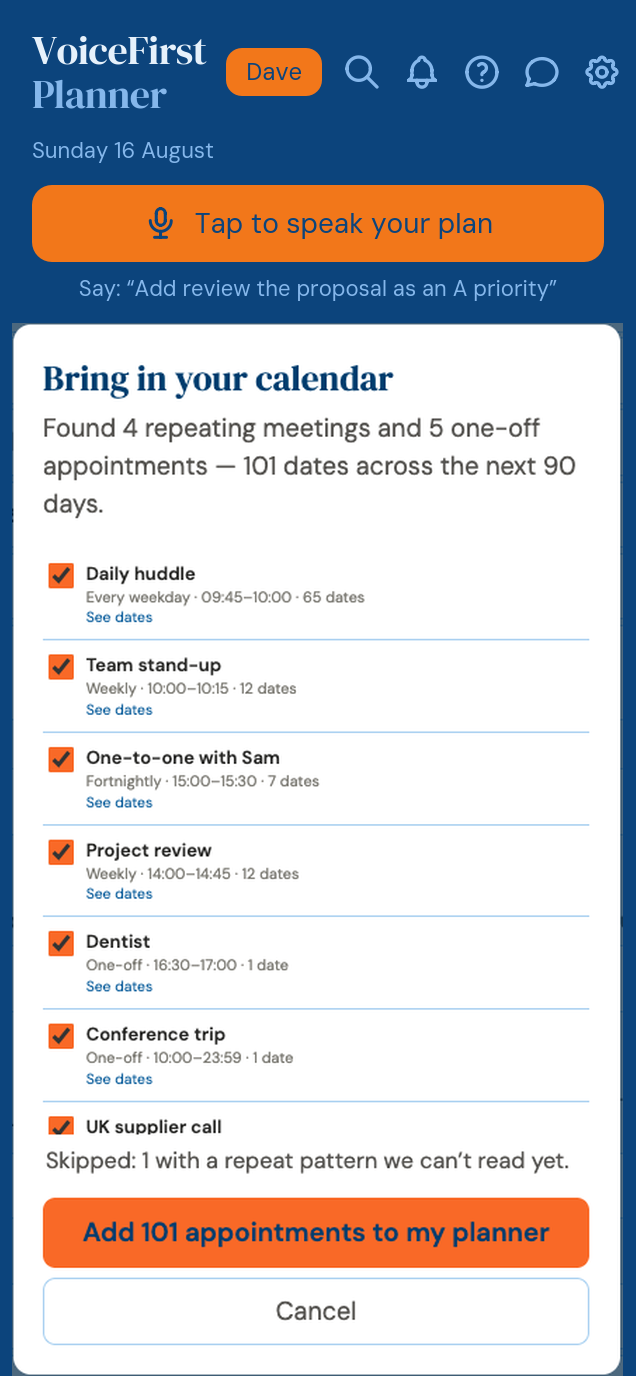
Export the calendar file from work and bring it in. Every meeting appears alongside everything else, so the day you are looking at is the whole day.
One-way. Nothing you do here ever changes your work calendar.
You review every appointment before it lands, and you can undo the whole import in one tap. Import again whenever you like; anything already here is skipped.
It goes the other way too. Export your appointments as a standard calendar file and open it in Google Calendar, Apple Calendar or Outlook. Free, on every plan.
Reason five
Everything findable, free, on every plan
One field, searching across the whole planner, results grouped by kind. The note from March, the tradesman you used two years ago, the thing you know you wrote down somewhere.
Not a paid feature. It is on the free plan.
Reason six
It works in any browser, with nothing to install
The screen above is the Planner view: the two-page spread, open at today, on iPad and desktop. On a phone the same planner runs in one column.
Sign in, today’s open. Phone, tablet, laptop, a borrowed machine, an old device that will not take new software. Nothing to install and nothing to update, ever.
Say the whole mess at once, and approve what comes back
Say everything in one go, in whatever order it arrives, and it comes back as a proposal: sorted, dated, banded, editable. You change what you want, delete what you do not, and only then does any of it enter your planner.
“Call the plumber tomorrow, gym with Sam at 6, pick up paint, oh and the dentist rang about Tuesday”
Reason eightVoiceFirstPlanner · Life Planning
The life underneath the day, not just the day
Values, goals, roles, a bucket list and a daily reflection, in the same place as Tuesday.
Name five values, the ones you would want the week measured against. Give a goal a number and a date, tie it to the role it belongs to, parent, professional, whichever, and a progress bar shows where it stands. Put the somedays on the bucket list, where they can be seen instead of remembered. Then, at the end of the day, four questions: what went well, what could be better tomorrow, what you are grateful for, what you intend next. Five minutes, kept, so the year has a record.
“Add health and growth to my values”
Days can be run well for years without anyone asking what they are adding up to. This is where that question lives.
Reason nine
A missed day is just a missed day
Most habit tools are built on an unbroken run, which means the day you break it, you stop. Here the count keeps going: the days you did it stay on the page, your best run is kept as Best Yet, and a miss costs nothing but that day. Four out of seven is still four.
Reason ten
Three books included, free, with any account
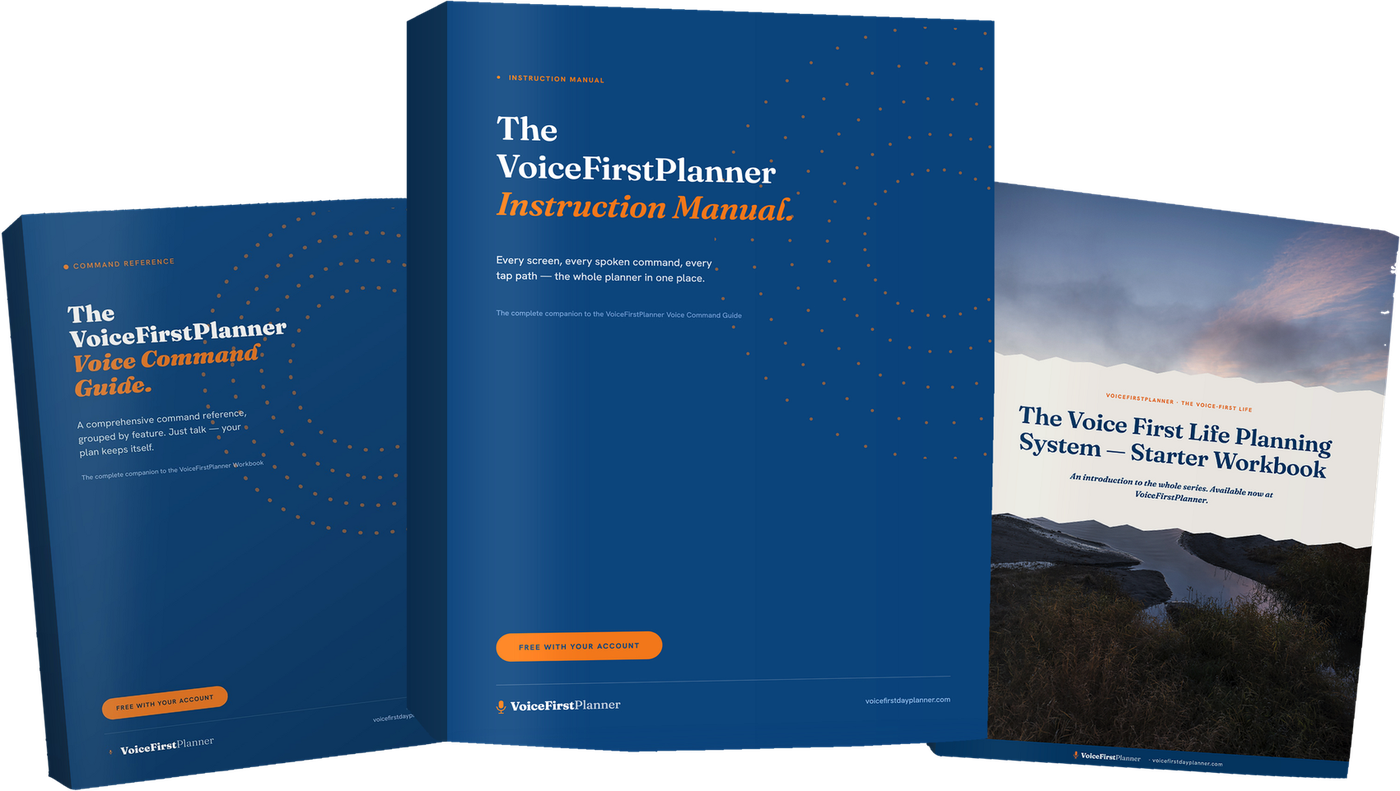
The Instruction Manual. The Voice Command Guide. The Voice First Life Planning System — Starter Workbook, which is $19.98 on its own. All three, free, with a free account. Not a trial, not a teaser.
Reason eleven
One payment, or none at all
Free forever with no card. Or pay monthly. Or pay once and never again.
If any of this sounds like your week.
“Everything on the list looked equally urgent, so I did the easiest one.”
“I wrote it on the back of an envelope and never saw it again.”
“I could describe two days of my week accurately. The rest was a guess.”
“Work’s calendar knew my week better than I did.”
“I knew I’d written it down somewhere. That was as far as I got.”
“Everything was on the laptop, and the laptop was at home.”
“Six things landed at once and I sorted none of them.”
“Work had a system. My own life had a pile of good intentions.”
“I missed a Tuesday and never went back.”
“I’d buy the book and never open it.”
“I’d tried three of these. I paid for two.”
That is the whole reason this exists.
You do not have to take our word for any of this.
Google’s own answer box describes this product.
Ask Google for a voice personal planner and its AI Overview names VoiceFirstPlanner, links to it, and describes it in the site’s own words: a personal day planner you just talk to. We did not pay for that, and it cannot be bought.
Listed and verified on an independent software directory.
Checked by somebody other than us, with a verified badge on the listing, and our deals running on it.
Number one, in thirty-one minutes.
The first film we published took the top organic slot on YouTube for its own category term within half an hour of going up. Not an ad. The product, on real screens, doing the thing.
Walk the whole thing before you tell us anything.
Open the demo. Every screen, no account, no card, nothing saved. The AI layer is Pro and needs an account; everything else is there to try. Check the claims on this page yourself before you give us an email address.
Nobody with something to hide offers that.
The books are real files, not promises.
The Instruction Manual, the Voice Command Guide and the Starter Workbook download the moment you have an account. The Starter Workbook sells for $19.98 on its own. There is a research paper at $44.95. And the workbook on this page arrives for an email address, in about a minute. These exist. You can hold them.
And what one early user has said so far.
“I like it, it actually understands me!”
Anthony
Not ready for an account? Take the workbook.
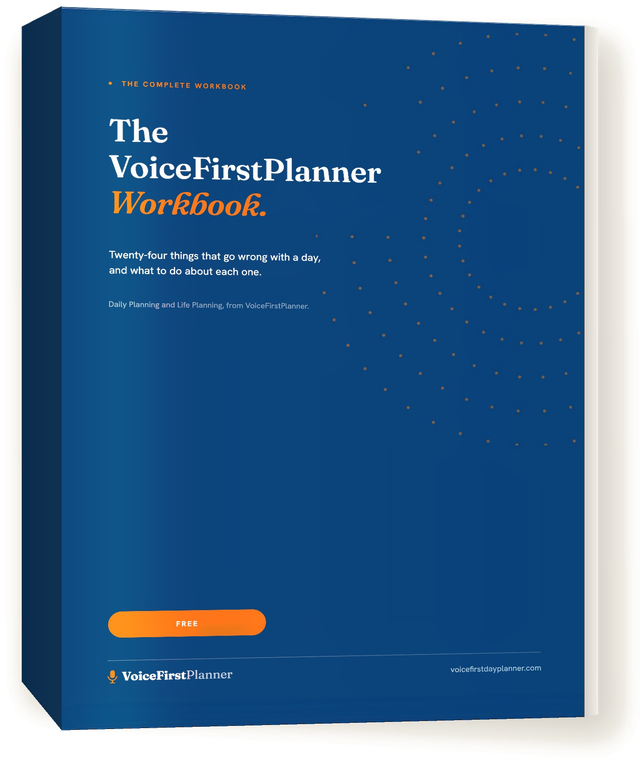
The VoiceFirstPlanner Workbook. Twenty-four things that go wrong with a day, and what to do about each one. Free. Tell us where to send it.
One payment, or none at all.
Free, forever
$0. No card.
Five daily tasks with A, B and C priorities, a daily focus, four habits, two projects, three goals, ten notes, ten bucket list items, five values and roles, one shopping list, three photo captures, three active reminders, recurring appointments, calendar import and export, search across everything, six themes, and all three books.
Everything in Premium, the Budget page, the Reflect workbook, and the AI layer: say the mess and approve the plan, and a goal broken into a week of tasks.
Premium for life, the Budget page, all three books, all eight Voice-First Life workbooks, the research paper, and up to 75% off future products. $315.85 of value.
Limited to the first 1,000 accounts. When they are gone, this does not come back.
Open the demo and use it. Every screen, nothing saved and nothing asked for. The AI layer is Pro and needs an account; everything else is there to try. Come back and make an account if it is worth it.
Most software asks you to sign up and then find out. This is the other way round.